Neoprint
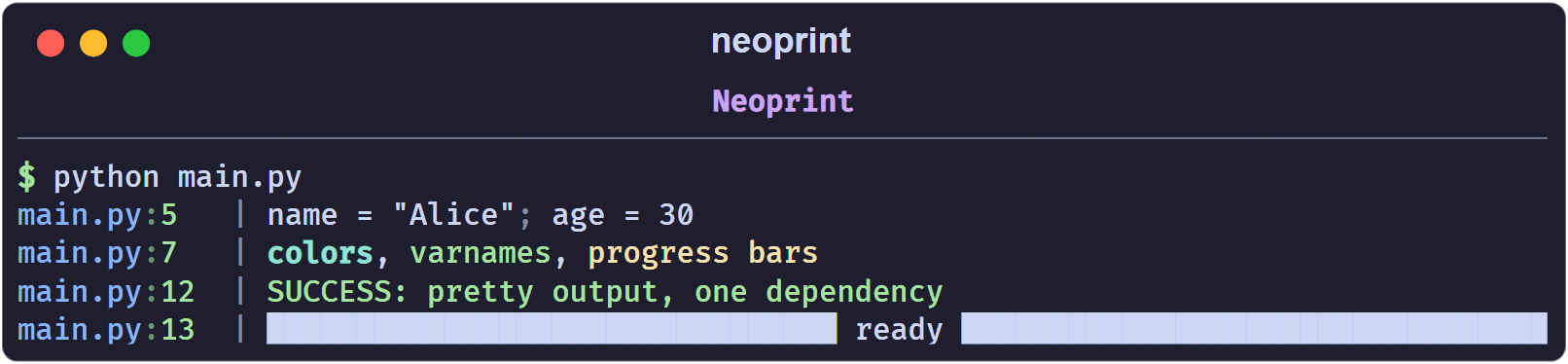
Neoprint is a drop-in replacement for Python’s built-in print, made for
modern consoles. It keeps the API you already know, and adds colors, source
locations, variable names, readable object layouts, progress bars, and pretty
tracebacks on top of it.
import neoprint as np
name = 'Alice'
age = 30
np.show(name, age, ':n')
main.py:4 | name = "Alice"; age = 30
The same line with built-in print would be a plain Alice 30, invented by
you and understood by no one six months later.
What you get
- Drop-in API.
neoprint.printisneoprint.show; import it asprintand existing calls keep working. - Source locations. Every message is prefixed with
filename:lineno, so you always know which line spoke. - Color everywhere. True-color text, BBCode-like inline markup, bright and dim variants, and proper red/green highlighting for booleans.
- Variable names and expressions.
np.show(len(names), ':n')printslen(names) = 2. - Readable containers. Nested lists and dicts can be expanded into a tree, a key-value table, or a grid.
- Progress bars. Both
with np.Progress(...)andfor x in np.progress(...)are built in. - Pretty exceptions. One mark turns an exception into a Rich traceback panel, optionally with local variables.
- One dependency. Only
rich.
Installation
pip install neoprint
Python 3.9 or newer is required.
Hello world
from neoprint import print
print('hello world')
main.py:2 | hello world
That is the whole story for a single script. Continue with
Installation and Hello World to learn the package-wide
setup() mode, or jump to Printing Basics for the anatomy
of a message.
How this manual is organized
- Getting Started covers installation and the anatomy of a message.
- Markup explains the
:xNmarks, which are the main extension point of the library, and lists every mark in one table. - Guides walks through each feature with runnable examples: verbosity, variable names, expanded formatting, rich text, index counters, timing, dividers, exceptions, source layers, and progress bars.
- Reference documents the configuration switches and the public API.
If you only read two pages, read Printing Basics and Markup Reference.